THE APP YOU WANT ← All builds
Build story

QRIQ: scan it, know it, keep it running.

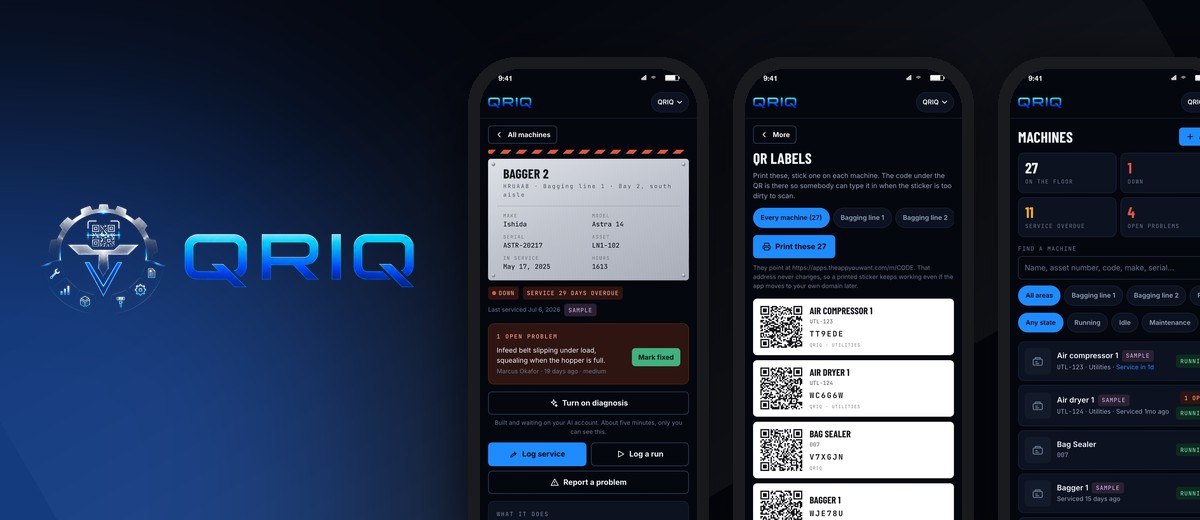
A QR code on every machine in the plant. Scan it and the nameplate comes up: what it does, when it was last serviced, what tooling it takes for what you are running today, and every problem anyone ever logged on it. Operators and techs update it standing at the machine.
Paid Saturday, live Sunday morning Renamed twice, reprinted nothing Roland's artwork on every label
QRIQ icon
QRIQ
Roland Rodriguez · built by The App You Want
MaintenanceQR codesToolingMulti plant
Real screens
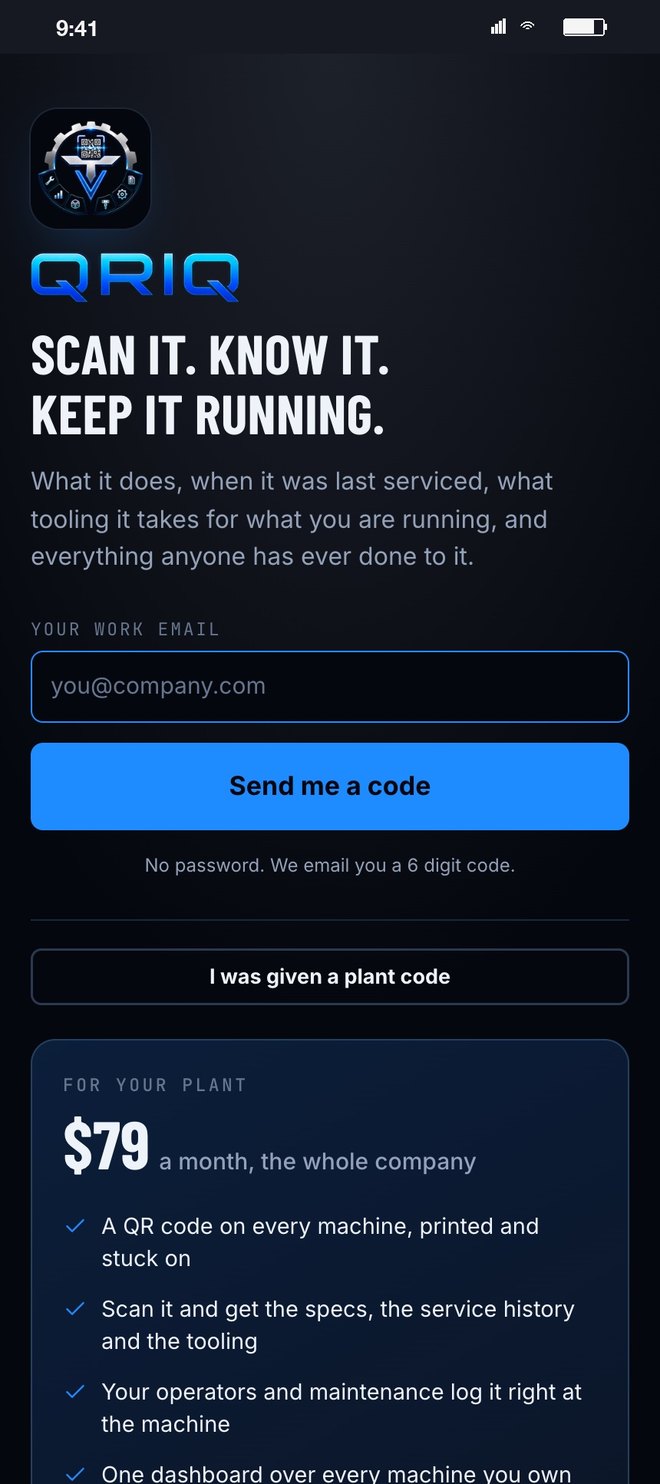
The QRIQ sign in screen
The doorRoland's own mark and line. A work email and a six digit code, no password for a plant floor to forget. Other plants see the price right here.
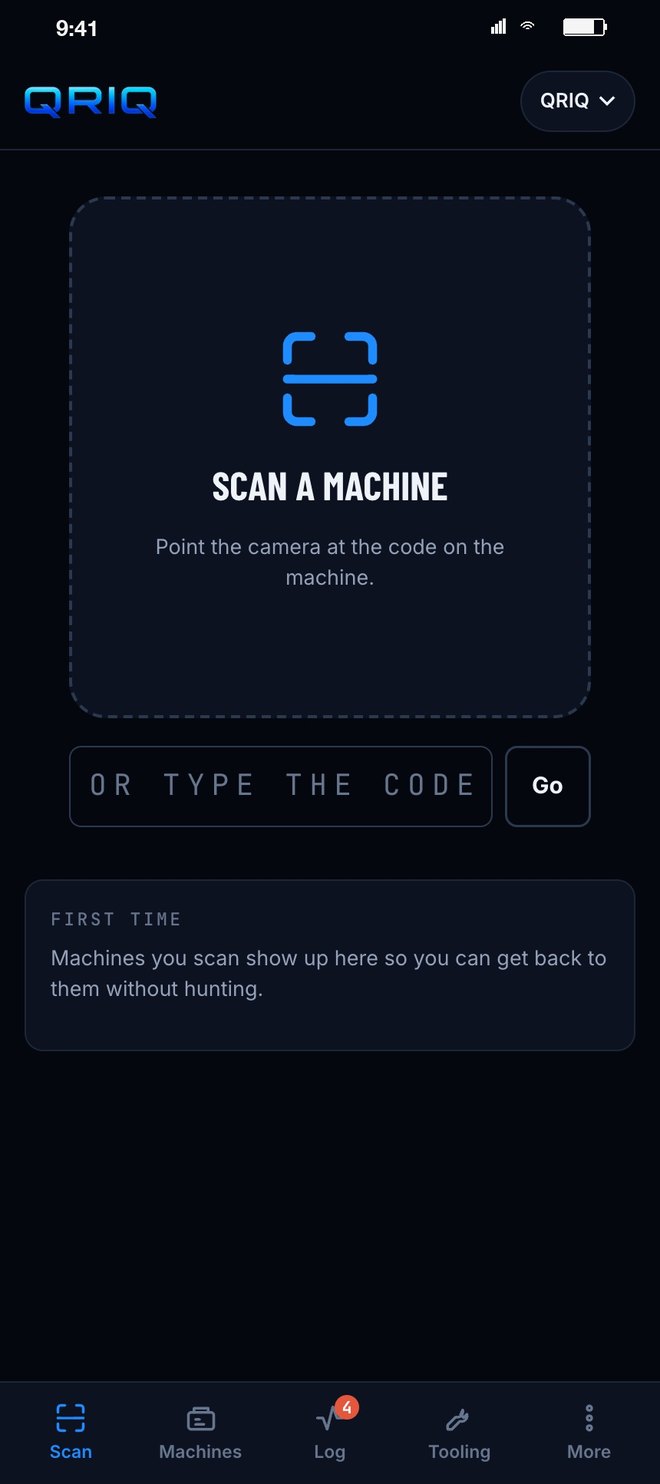
Scan a machine
ScanPoint the camera at the sticker. Too dirty to scan? Type the six characters printed under it.
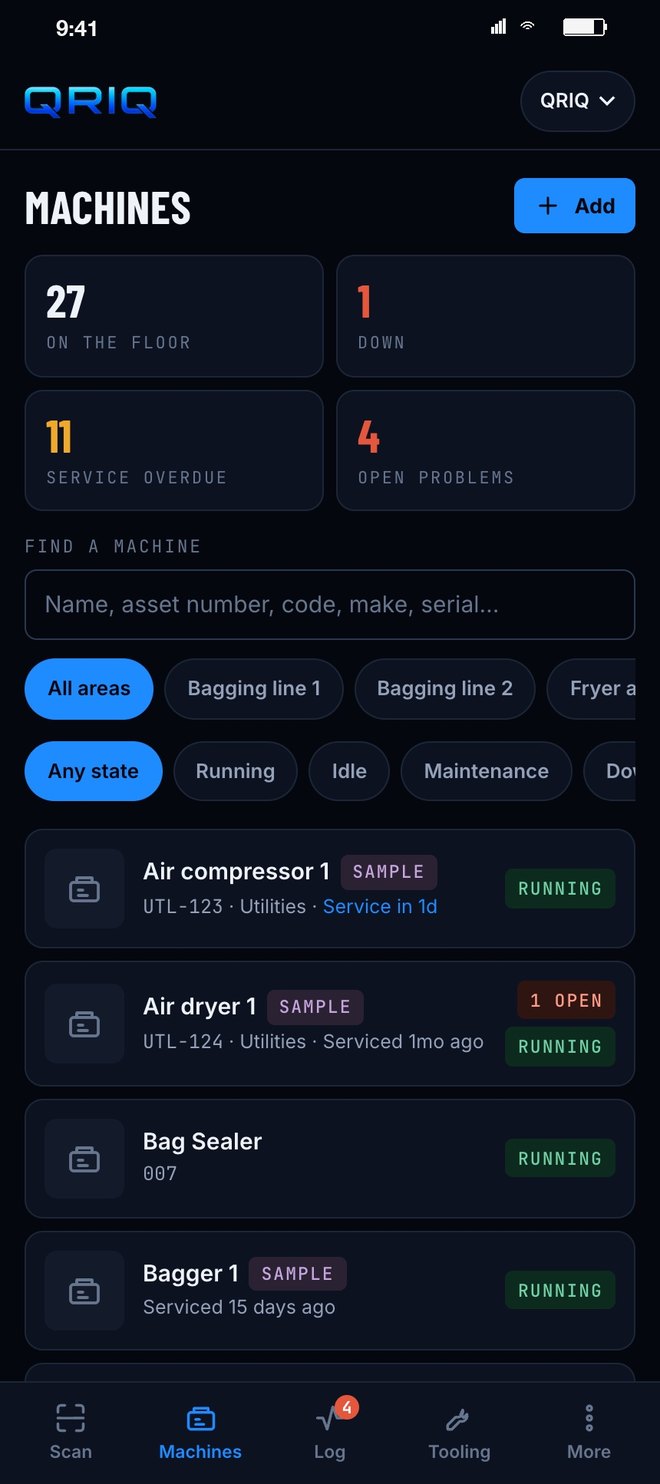
The machines list with counts
The floorOn the floor, down, service overdue, open problems. Filter by line, filter by state, or search by name, asset number, make or serial.
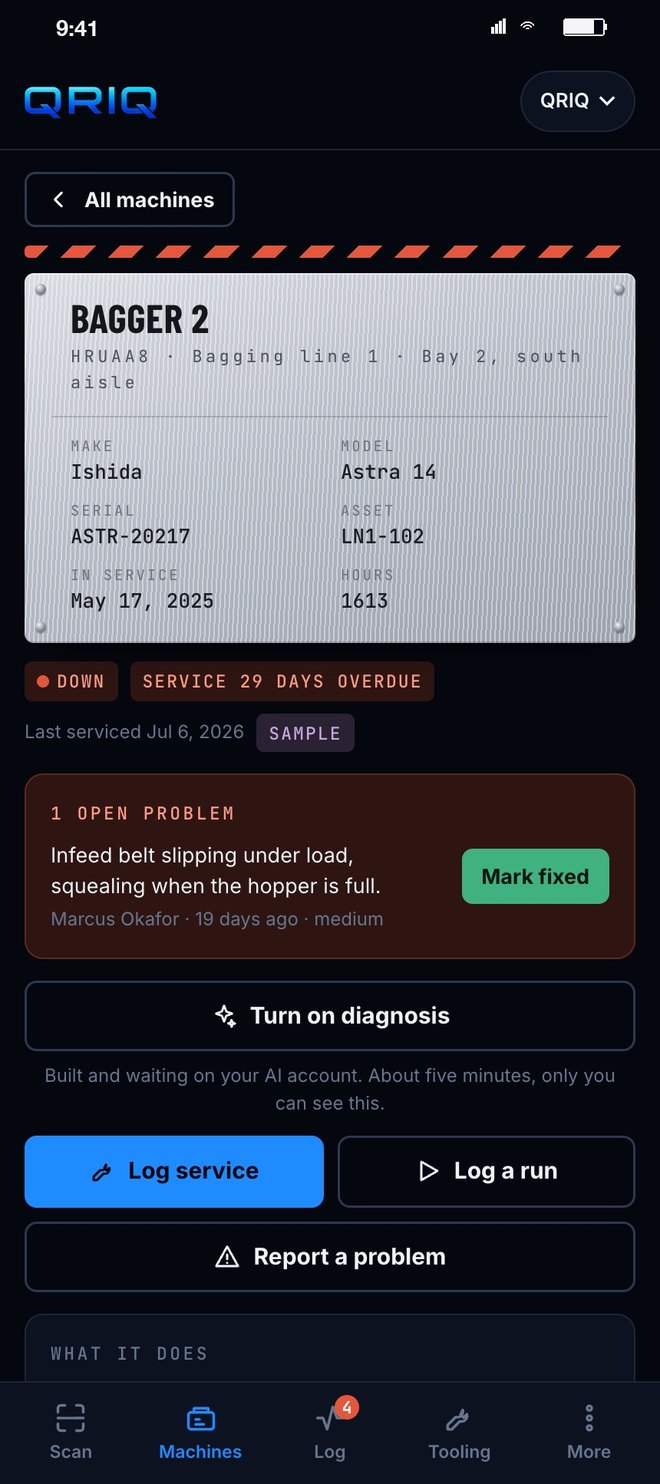
A machine card for a bagger that is down
A nameplateEvery machine gets one, drawn like the plate on the frame. A hazard stripe when it is down. The open problem sits right under it with a Mark fixed button.
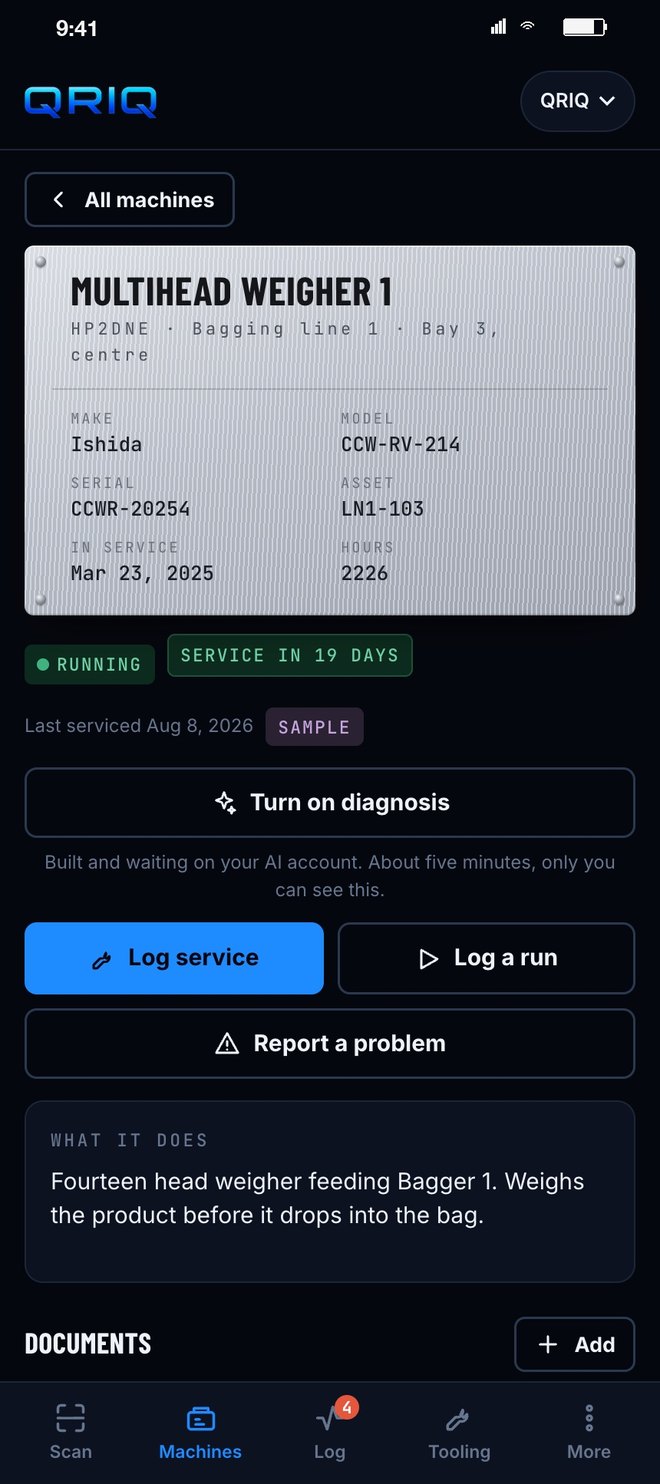
A running weigher with service due in 19 days
A running oneMake, model, serial, asset, hours, next service. Log service, log a run, report a problem, all from the card.
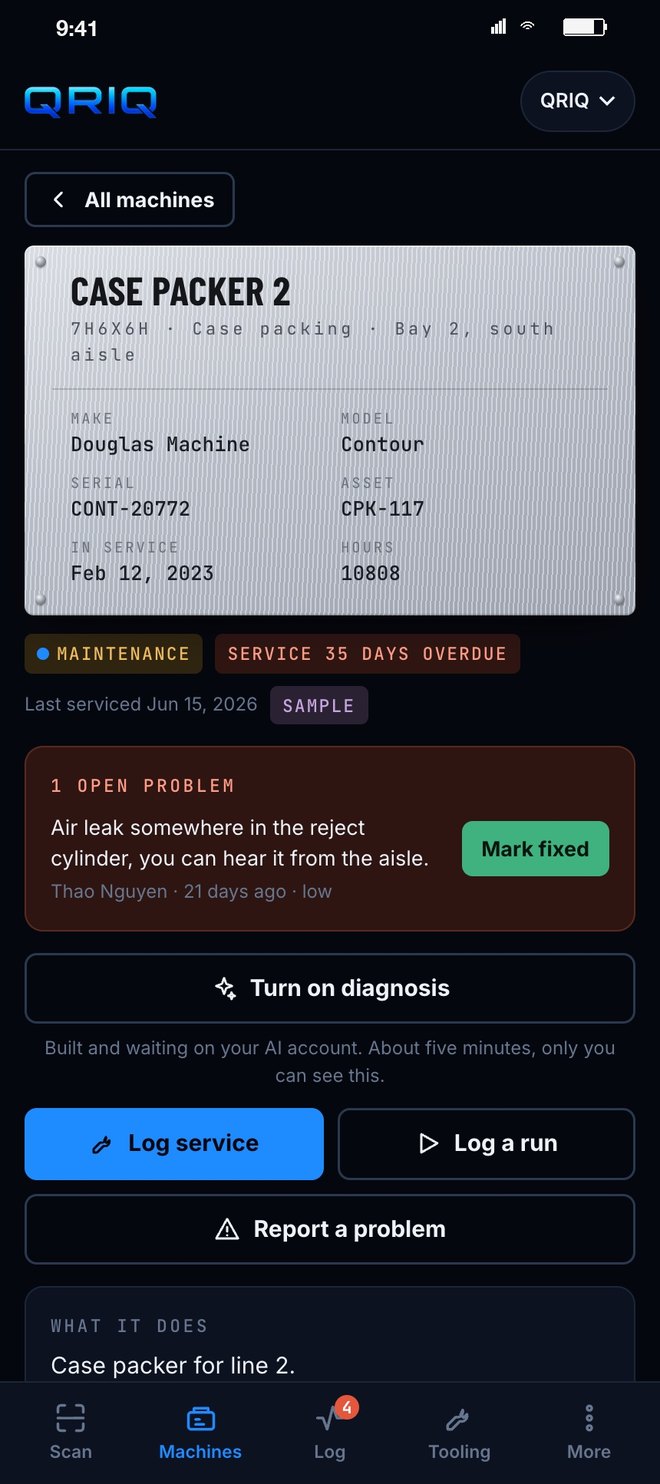
A case packer in maintenance
In maintenanceThirty five days overdue and an air leak somebody heard from the aisle. Nothing gets forgotten because it is on the machine itself.
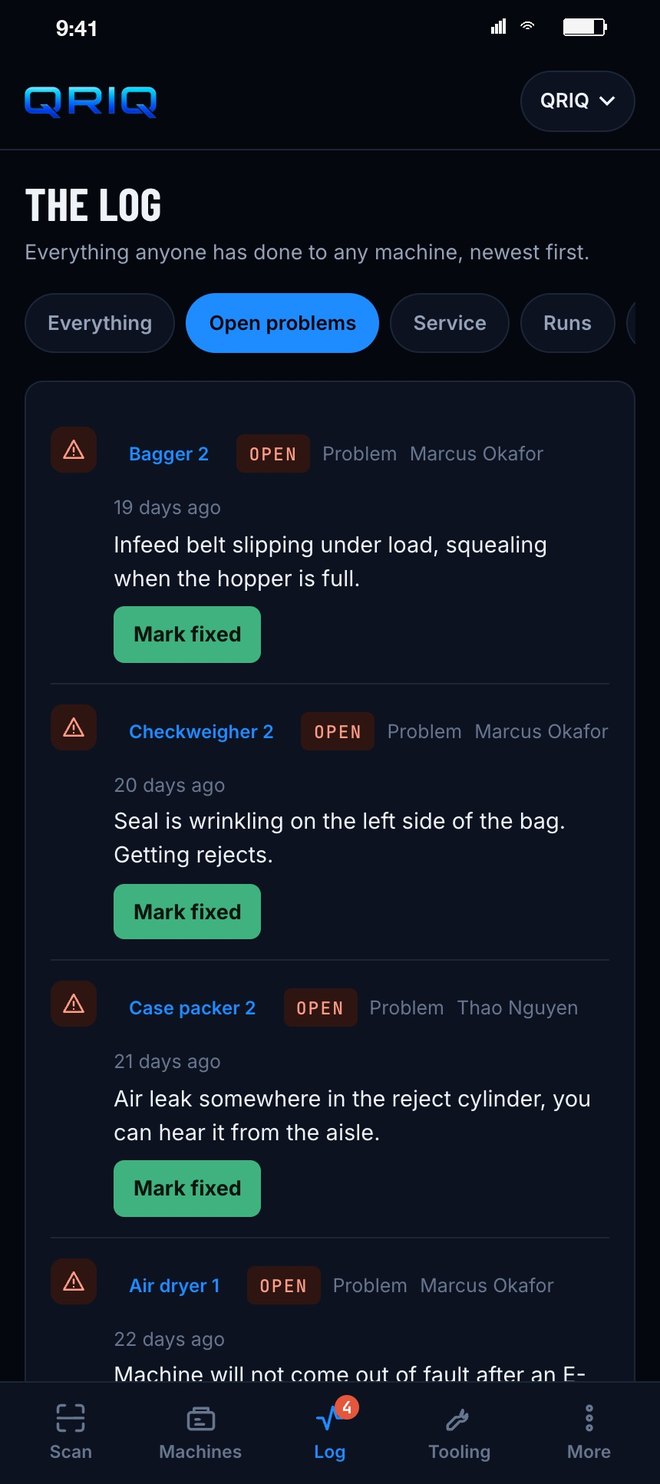
The log filtered to open problems
The logEverything anyone has done to any machine, newest first. Filter it to open problems and work the list.
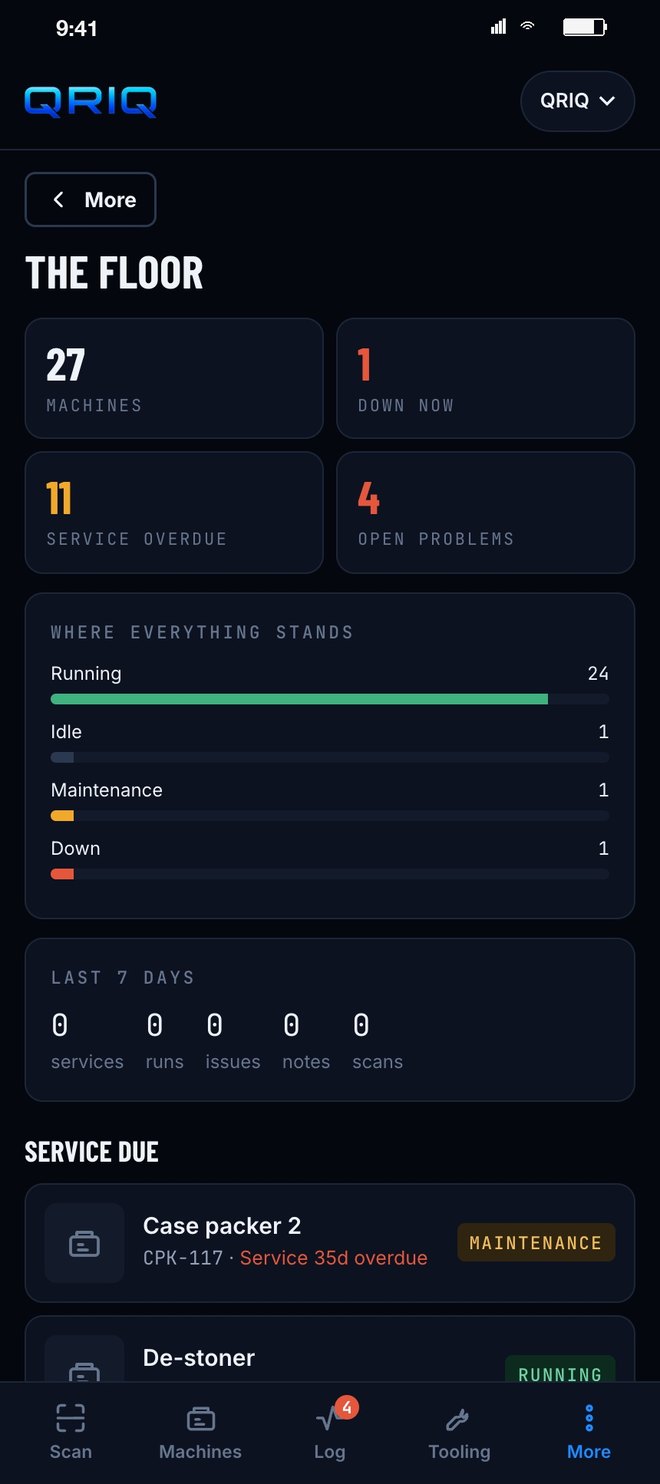
The floor at a glance with counts and service due
At a glanceRunning, idle, maintenance, down. The last seven days. What is due for service next, in order.
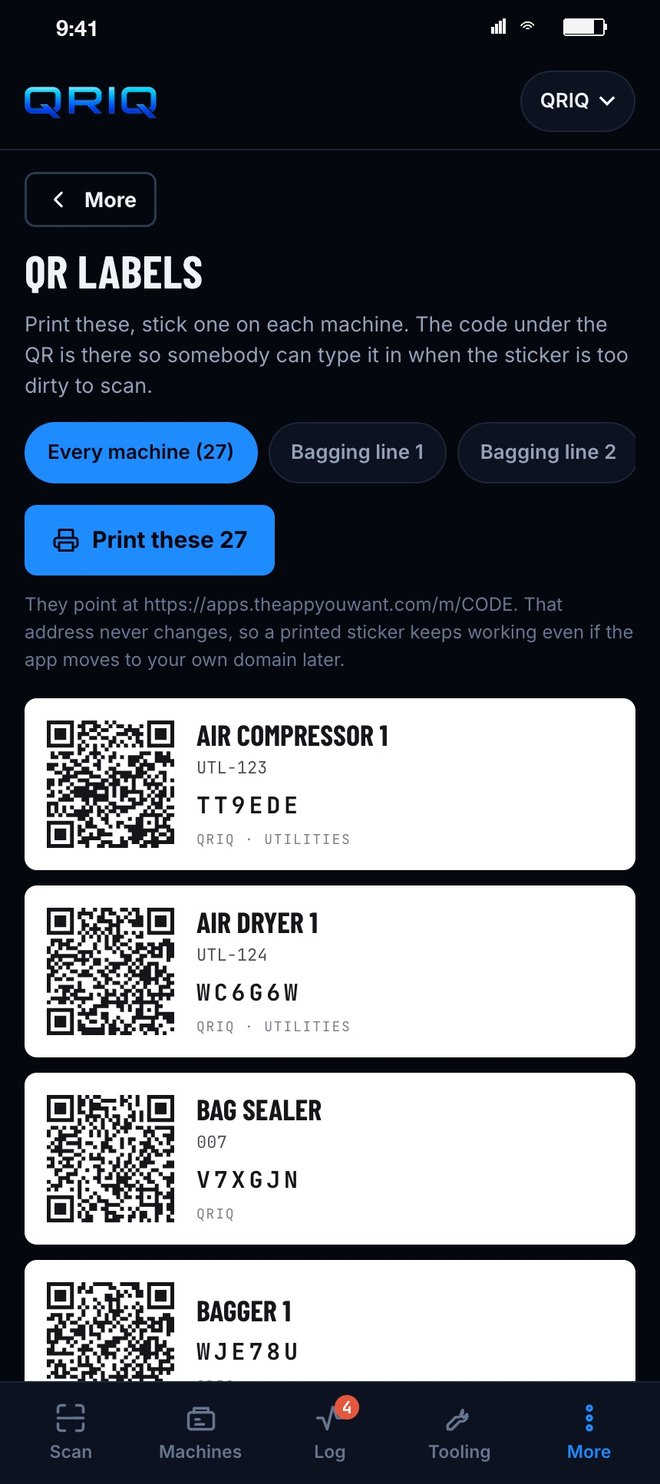
Printable QR labels for every machine
The labelsPrint a sheet, stick one on each machine. The code inside never changes, so a sticker outlives any rename.
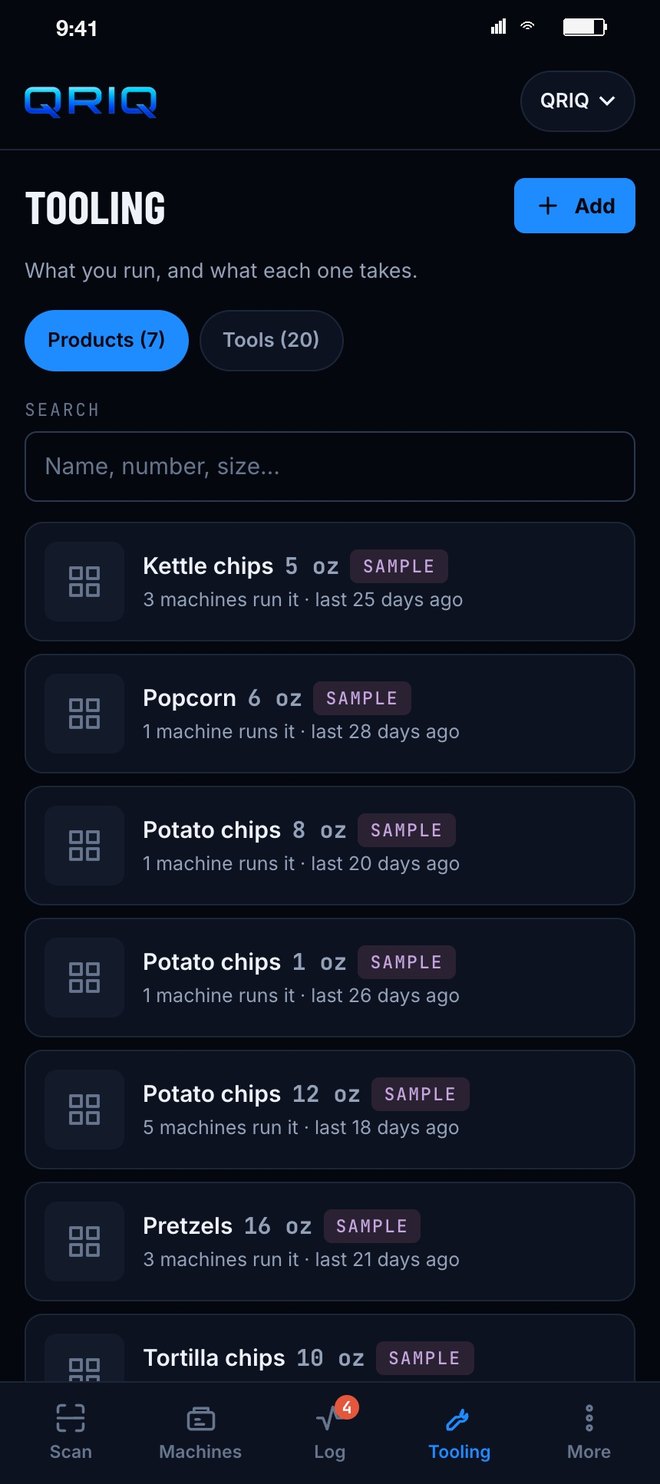
Products and the tooling each one needs
ToolingWhat you run and what each one takes. Pick the product and the machine shows the exact tooling and when it last ran it.
See it live

QRIQ is running

The sign in screen is open. A plant joins with a code from its admin, and other companies can sign up for their own floor from the same door.

Open QRIQ →
The challenge
The application said four words.

A QR code app. That was the whole description. Under what it replaces: nothing. Our triage flagged it as unclear, and Roland asked for a non disclosure before the call. We agreed by text and got on the phone.

The call is where the app came from. A maintenance operation with 250 machines. A code on every one, so anyone standing at it can see what it does, when it was last serviced, and which tooling it takes for the product running that day. Operators log what they touch, in the moment, at the machine. And built so other plants can run it under their own account, because Roland wants to sell it.

The offer went out 32 minutes after the call started. Paid Saturday at 5:28pm. Live Sunday at 10:45am with a sample plant in it, so the first thing Roland saw was the thing working.

What we built
A plant floor that answers when you scan it.
🏷️

A nameplate on every machine

Make, model, serial, asset number, hours, purpose, last service, next service, manuals and wiring diagrams. Print the QR labels from the app and stick them on.

🔧

The log, at the machine

Log service, log a run, report a problem. Every entry stamped with who and when. Open problems stay on the card until somebody marks them fixed.

⚙️

Tooling by product

Products and the tooling each one needs. Pick what you are running and the machine shows the exact set, and when it last ran it.

🏭

Built to sell to other plants

Each company gets its own floor, its own people, its own join code. Roland sets the monthly price and the setup rate, drops in a payment link, and subscriptions go straight to Roland.

The signature feature
A sticker that survives the app being renamed twice

It launched as Nameplate. Two days later it was USA Machine IQ, blue and black off Roland's own artwork. A week after that, QRIQ, with the mark on the sign in screen, the icon, the code emails and the company line on every label. Through all of it, the code inside each QR never changed. Anything already stuck to a machine kept working. A plant floor cannot reprint 250 stickers every time the name on the box changes, so the labels were built to never need it.

Nameplate, then USA Machine IQ, then QRIQRoland's artwork, unchangedNot one label reprintedDiagnosis built in, on the plant's own account
How it moved
Friday morning to a live floor by Sunday.
14 Aug
Applies at 6:53am with four words. Asks for a non disclosure before the call, agreed by text. Call at 10:00. Offer at 10:32.
15 Aug
Pays Saturday at 5:28pm.
16 Aug
Live Sunday at 10:45am as Nameplate. Scan, machines, the log, tooling, printable labels, a sample plant loaded so it is working on first open, and a button in Settings that clears it.
18 Aug
Review call at noon. Artwork sent at 12:27. By 9:58 that night: blue and black in Roland's colors, the mark on it, manuals and wiring diagrams on every machine, a join code so the crew gets in without a password, and a price list for other companies.
20 Aug
AI diagnosis in, asked for Tuesday night. Type what a machine is doing and get back what to check, in order, off that machine's own record. Runs on the plant's own account with a spend ceiling it cannot pass.
27 Aug
Review call at 9:00. New artwork at 9:13. By 10:37 it is QRIQ on the sign in screen, the icon, the code emails and every label. Every sticker already on a machine still works.
Want an app like this?
Tell us the app you want See it live